
🔥 Top Pokies at BCasino













Unlock BCasino with your face and leave passwords behind
BCasino puts your casino account within easy reach on a Canadian mobile connection. Our PWA works like an app without an app store download, so you can add it to your home screen in a few taps. Biometric access can make returning to BCasino quicker on supported devices. Your account, games, cashier, and live dealer lobby stay available through one mobile web experience.
The layout is designed for one-handed use, with important controls placed where your thumb can reach them. BCasino adjusts the display to your phone, whether you use portrait mode for slots or landscape mode for live dealer tables. The mobile browser version also keeps your account in sync across devices. Start from the login page when you already have an account, or use registration to create one.
Keeping your mobile session secure
BCasino checks the PWA environment before loading account actions and payment screens. These checks help identify changes that could affect the page you are using. We also protect information sent between your phone and our service with encrypted connections. That matters when you check your balance from a café, hotel, airport, or other public WiFi network.
A public network can expose unprotected traffic to other people nearby. Encrypted connections keep sign-in details and cashier information protected while they travel between your browser and BCasino. You should still use your own device, avoid sharing passwords, and lock your phone when you put it down. Biometric access adds a convenient layer when your handset supports Face ID or fingerprint login.
BCasino does not ask you to install an unofficial APK for this mobile experience. Use the PWA through your browser, then add the page to your home screen. If a page looks unusual, close it and reopen BCasino from the saved home-screen icon. Our 24/7 live chat can help with account access or browser questions.
- Use a current browser from your phone's official software updates.
- Open BCasino through the saved PWA icon.
- Keep your phone locked when you are away from it.
Instant touch response
BCasino uses your phone's graphics capability to draw game interfaces efficiently. Hardware-accelerated graphics can make card tables, reels, menus, and transitions respond more naturally on supported devices. The result depends on your handset, browser, and network connection. Closing unused tabs can give the mobile session more memory for the game you are playing.
Tap targets are sized for a thumb rather than a desktop pointer. You can open the lobby, select a game, or return to the cashier without reaching for a second hand. Portrait mode suits quick slot sessions, while landscape mode gives live dealer tables more room. BCasino keeps the main navigation close to the lower part of the screen where practical.
Our mobile library includes over 3800 games from more than 45 providers. You can move between slots, table games, and live dealer titles without installing separate software. Our casino loads the selected game inside the PWA, so your saved home-screen access remains in one place. Availability can depend on your location, account status, and device.
- Portrait view keeps reels and menus within thumb reach.
- Landscape view gives live dealer tables wider space.
- Hardware acceleration supports richer game movement.
- Over 3800 games are available across more than 45 providers.
| Mobile task | our platform behaviour |
|---|---|
| Switching browser tabs | Return to the open PWA session when the browser keeps it active |
| Split-screen view | Supported according to your phone and browser settings |
| Picture-in-picture | Available only where the browser and video player support it |
| Screen rotation | Portrait and landscape layouts adjust to the device |
| Low-memory phones | Closing unused apps can improve loading and touch response |
| Background switching | Reconnect if your browser pauses the session while inactive |
Canadian mobile coverage varies by neighbourhood and building. This casino can run over Rogers, Bell, or TELUS when your connection is stable, including many common 4G and 5G areas. A weak signal may delay a live stream or reload a game screen. Switching to a stronger WiFi connection can help before you open a live dealer table.
How it works offline
The the site PWA can keep its shell and selected interface elements ready on your device, but real-money play needs an active internet connection. Your balance, game results, account checks, and cashier actions require current server communication. Offline access should therefore be understood as quicker opening, not offline gambling. The PWA opens through your saved icon when the browser has retained its basic files.
our gambling site reads supported browser and device settings when you first open the mobile site. Language and location permissions can affect the interface and access to account functions. You can change browser permissions later through your phone settings. Location information must be accurate before you attempt location-sensitive actions.
To add the operator on an iPhone, open the page in Safari, tap the share button, choose "Add to Home Screen", and confirm. On Android, open Chrome, use the three-dot menu, select "Add to Home screen", and accept the prompt. The icon then opens our gaming platform in a mobile layout without an app store download. Use the mobile login after installation.
- Open here in Safari or Chrome on your phone.
- Use the browser menu to add the PWA home-screen icon.
- Open the icon and sign in to your account.
- Allow requested browser permissions when account access needs them.
| Access method | Action | Result |
|---|---|---|
| PWA on iPhone | Safari, share menu, Add to Home Screen | Home-screen access through Safari |
| PWA on Android | Chrome menu, Add to Home screen | Home-screen access through Chrome |
| Existing account | Open the icon and enter account details | Access to the mobile lobby |
| Location permission | Allow the browser to use location | Location-sensitive checks can run |
| Language setting | Use browser or device language preferences | Supported interface language appears |
| Connection check | Use stable mobile data or WiFi | Games and account pages can load |
If the icon does not appear, confirm that you are using Safari on iPhone or Chrome on Android. Clear an outdated browser tab, reopen our casino, and repeat the home-screen steps. A private browsing window may restrict installation prompts. Our 24/7 live chat can guide you through the browser menu.
One login for everything
Your our platform account works across supported phones, tablets, and desktop browsers. Sign in from one device, then use the same account on another rather than creating separate profiles. Account verification may be requested before sensitive actions. Keep your login details private and sign out on shared hardware.
Battery saver mode can reduce animations and extend playtime when your phone is low on charge. Open your device settings, activate battery saver, and return to this casino through the PWA icon. Some visual effects may become less pronounced, while core menus remain usable. Lower screen brightness can also reduce battery use during longer sessions.
the site supports payments through Interac, Visa, Mastercard, MuchBetter, Skrill, Neteller, PaySafeCard, and bank transfer. Your available methods depend on your account and location. Withdrawals are processed within 24 hours once your account is verified; your first withdrawal may take one to three extra business days for document checks. Payment providers can apply their own processing rules.
- Use Interac for a familiar Canadian deposit route.
- Choose Visa or Mastercard where your card issuer permits it.
- Use an approved e-wallet shown in your cashier.
- Check the cashier before confirming a transaction.
Better graphics on mobile
our gambling site works like an app through the PWA, with no app store download. Open the saved icon to reach the mobile lobby without searching for a browser bookmark. The selected game loads within the same account session when your connection is ready. This keeps your game access and account navigation together.
For quicker loading, close unused tabs and use a stable connection before opening a graphics-heavy title. Live dealer streams need more continuous data than a standard slot interface. If a table pauses, check your signal and reopen the game from the lobby. The operator keeps the mobile route simple for regular play.
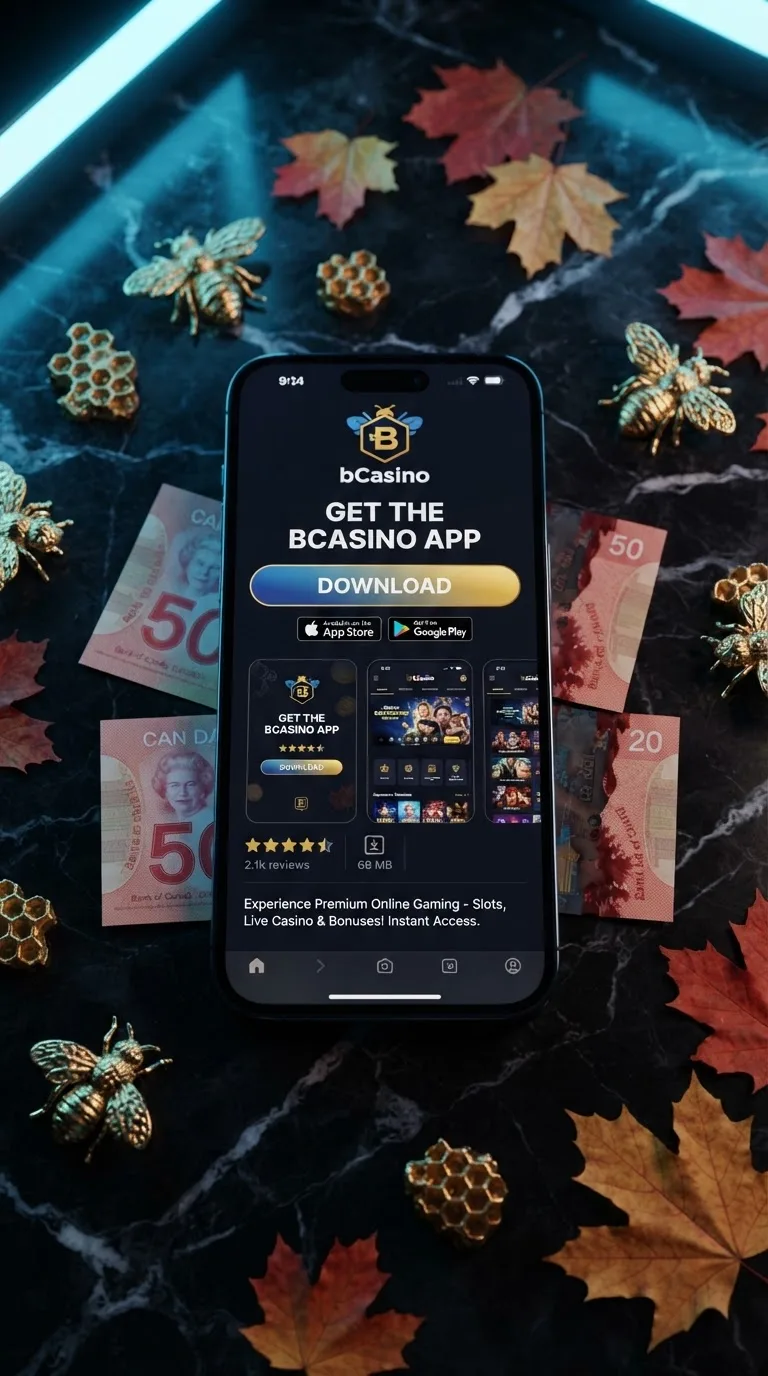
Our app page focuses on access rather than a separate native download. You can install the PWA on iPhone or Android in under a minute using the browser menus above. Players who want to review current account offers can use our bonuses page. The mobile PWA remains the route for accessing our gaming platform from your home screen.
Frequently asked questions
Does the here app show account session messages?
our casino may show account or session messages according to the mobile experience and your account settings. These prompts can appear while you play and may require a tap before you continue. If a message does not respond, close the game and reopen it through the PWA icon. Our 24/7 live chat can help with a display issue.
Why is sound not working on the our platform app?
Check your phone's media volume, silent mode, Bluetooth connection, and the game's own sound control. Some browsers remember muted settings for a particular page. Reload the game after changing the volume and try another title if needed. Live dealer audio also depends on a stable connection.
Are there fees for mobile transactions?
this casino displays the available payment method before you confirm a transaction. Interac, Visa, Mastercard, MuchBetter, Skrill, Neteller, PaySafeCard, and bank transfer may follow different provider rules. Your bank or payment provider can apply separate charges. Review the final cashier screen before submitting the payment.
Does the site work on Android 10?
The our gambling site PWA can work on Android 10 when the phone runs a supported version of Chrome and has a stable connection. Open Chrome, load the operator, and use the menu option to add it to your home screen. Update Chrome if the installation prompt does not appear. Older hardware may load graphics more slowly.
What should I do if our gaming platform shows a location error?
Check that location access is enabled for the browser you use with here. Turn off any setting that blocks location requests, then close and reopen the PWA. Move to an area with a stronger signal if the position cannot be checked. Contact 24/7 live chat if the error remains.
How do I install the our casino PWA?
On iPhone, open our platform in Safari, tap the share button, choose "Add to Home Screen", and confirm. On Android, open this casino in Chrome, open the three-dot menu, and select "Add to Home screen". The PWA works like an app and needs no app store download. Tap the new icon whenever you want mobile access.
What connection does the site live dealer need?
Live dealer play needs a stable internet connection for continuous video and audio. WiFi or reliable 4G and 5G mobile data can work, including connections through Rogers, Bell, or TELUS. A weak signal may cause buffering or reconnects. Close other high-data apps before opening the table.
How do I grant location access to the our gambling site app?
Because the operator uses a PWA, grant location access to Safari or Chrome rather than a separate native app. Open your phone settings, select the browser, and allow location access while using it. Reopen our gaming platform after changing the permission. The browser may ask again when a location-sensitive page loads.
How do I verify my account through the here app?
Sign in through the our casino PWA and open the account verification area shown in your profile. Follow the document instructions and upload clear images through the secure account page. Verification is required before certain withdrawals, and the first withdrawal may take one to three extra business days for document checks. Use 24/7 live chat if the upload does not complete.